
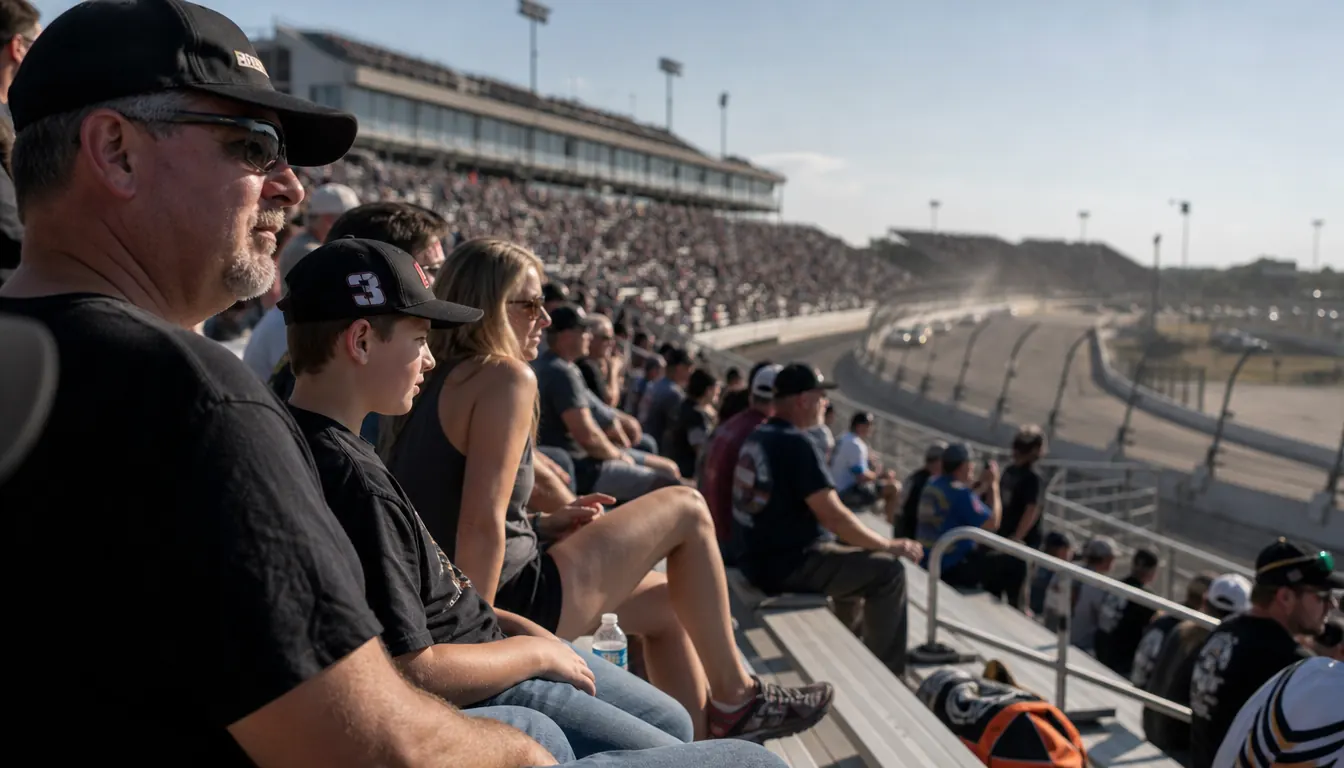
The first race I brought a scanner to, I spent four hours holding it up against one ear like a teenager with a transistor radio. The PA announcer came through as a rumor. The cars were a wall of noise. And every time I pulled the scanner down to say something to Linda, I lost the thread of whatever the spotter was in the middle of saying. By the checkered flag my right arm ached and I had heard maybe a third of what was actually coming across the channel.
A headset is the fix, but the kind matters. I started with an over-the-head set, and by about lap 60 it had pressed the arms of my glasses into my temples hard enough that I was lifting it off between runs. Three seasons ago I switched to the Rugged Radios H41, which puts the band behind your head instead of across the top, so my cap fits over it and my glasses sit where they belong. I plug it into the handheld scanner I have carried for years and hear the team radio and the broadcast without turning the grandstand off. Here is the order I actually do it in, from the parking lot to the last lap.
The headset that lets a cap and a pair of glasses both stay on
The Rugged Radios H41 hangs its band behind your head, seals around the ear, and is rated 24 NRR for hearing protection. A 3.5mm input jack takes the feed from a scanner or race receiver, and the volume control sits on the headset where you can reach it without looking down.
Amazon Check Today's Price on Amazon →Step 1: Match the Plug to Your Scanner Before You Leave the House
Before anything else, check the boring part: does your scanner have an output that accepts a 3.5mm plug? Almost every handheld race scanner does, usually a jack on the side marked for headphones or earphones. Mine is an older unit I have had for years, and that jack is the one I use. The Rugged Radios H41 also carries a 5-pin universal radio port for two-way radios. I have never used it, because I am listening to other people talk, not talking back.
I run a short extension cable so the scanner can sit in a cup holder or a jacket pocket without the cord tugging at my ear. Then I test the whole chain in the Silverado in the parking lot before we walk in. Scanner on, headset on, tune to something that comes in clearly, and confirm I can hear it with the engine off and the door open. Ten minutes there saves twenty minutes of fumbling in a seat with a cooler across my knees.
One honest limit: if your scanner has no output jack, no headset will help you, and you should know that before you buy one. Check the radio you actually own. Check the cable ends too, not just the big connectors. A loose plug that cuts out when you shift in your seat is the most common failure I have had, and it has always been a cheap cable rather than the headset itself.
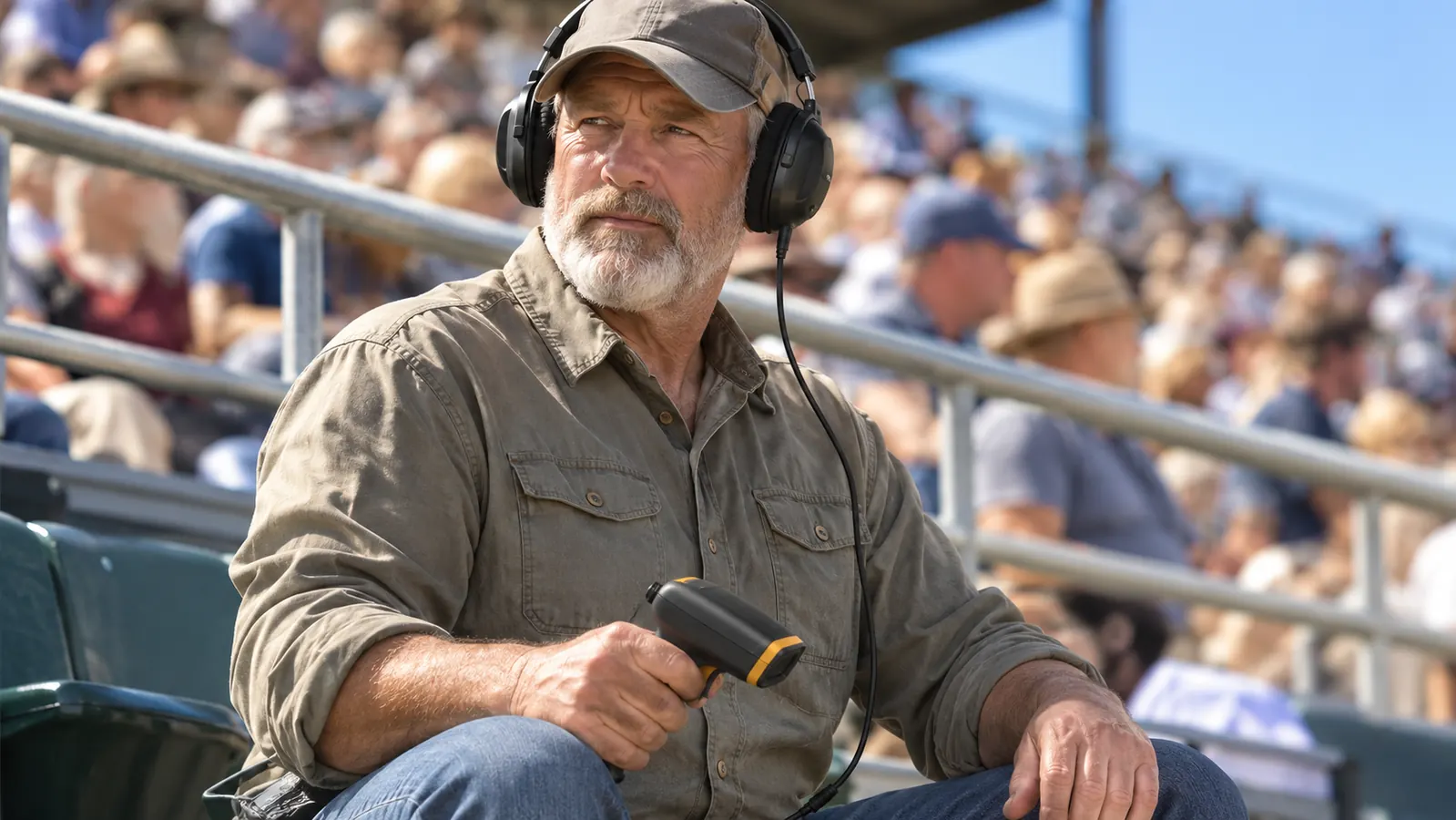
Step 2: Put the Cap On First, Then the Headset
Order matters. Cap on, glasses on, then the headset. With the behind-the-head band, the band rides at the base of your skull and the earpieces settle around your ears instead of pressing on them. If you put the headset on first and then jam a cap over the top, you will spend the next ten minutes fighting the seal and wondering why everything sounds thin and far away.
Seat the earpieces so they surround the ear rather than sit on it. On my head that means the band sits a little lower than I first expected. It felt loose the first time and then stayed put all afternoon, which is the trade you make with a behind-the-head design. If it feels like it is clamping, it is sitting too high. Drop it a finger width and try again.
I wear a cap every race, mostly for the sun, and the behind-the-head band is the reason I can. If you wear a wide-brim hat, or you like a hood on a cool fall weekend at Talladega, work the order out at home in the kitchen before you get to the track. Ten minutes in front of a mirror beats fighting it in a row of people who want to sit down.
Step 3: Set the Volume Before the Green Flag
You have two volume controls in the chain, the scanner's and the headset's, and the temptation is to max out both. Do not. I set the scanner to a moderate level and leave it there, then trim with the volume control on the headset. That way, when a caution comes out and the chatter gets busy, I still have room to go up without the audio turning to mush.
The 24 NRR rating on this headset is doing two jobs at once. It is cutting the wall of sound coming off the track, and it is letting me hear a voice at a level that does not have to compete with the cars. If you crank the audio to drown out the pack, you have given up the protection and you still will not understand the spotter. Set it during a caution, not while the field is running green.
One thing I got wrong for a whole season: I had the scanner's own speaker still active, so the audio was coming out of two places at slightly different times. Turn the scanner's speaker off, or set it as low as it goes. That half second of echo is the difference between following a pit call and hearing a muddle and guessing at it.
The first time a spotter called a flat right rear a few seconds before the car I root for slowed on the backstretch, half the row around me was still watching the wrong end of the track. That is what a headset actually buys you: a few seconds of knowing first.
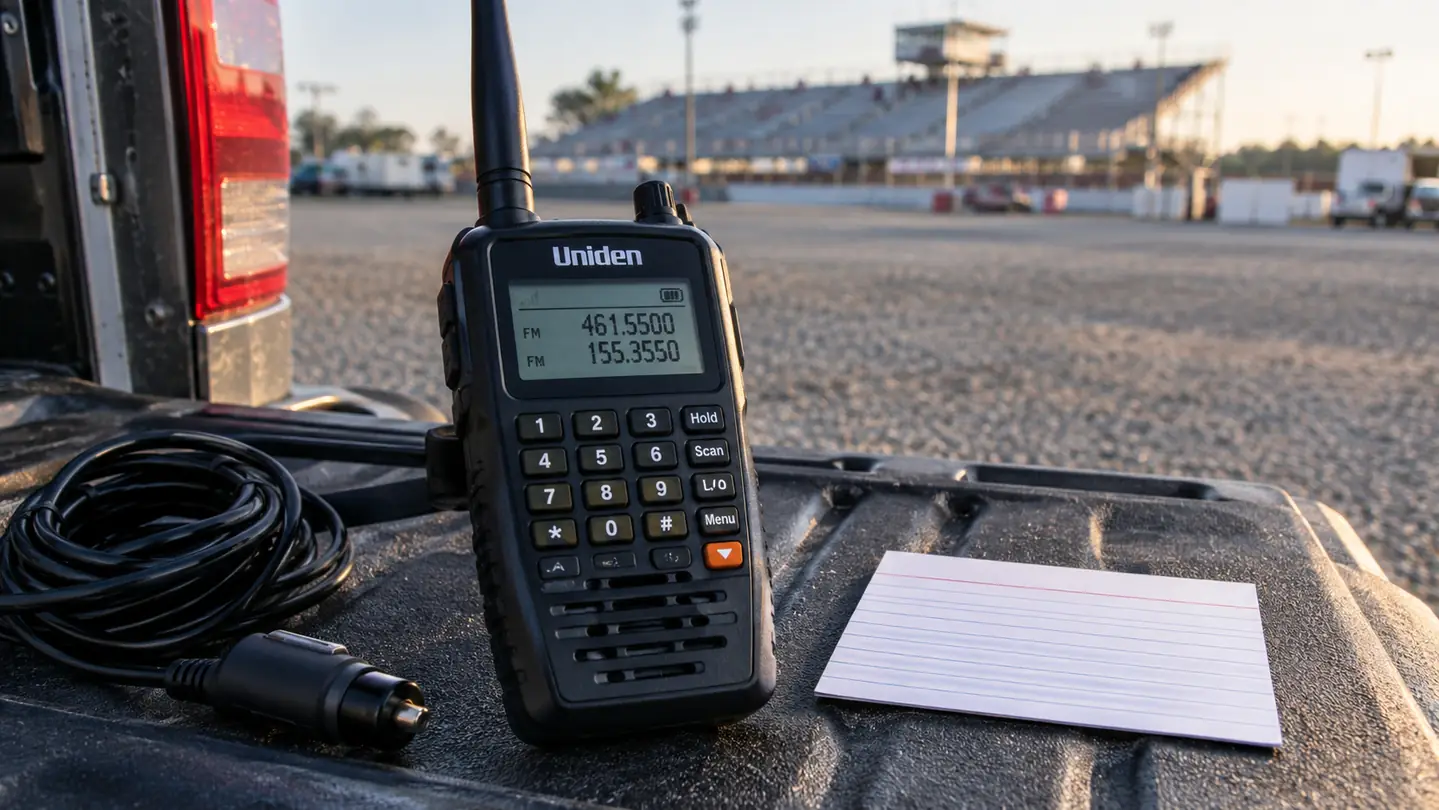
Step 4: Build a Short Scan List Instead of Scanning Everything
A scanner that roams across every frequency at the track will find a lot and tell you nothing. I keep an index card in my wallet with the handful of channels I actually want: my driver's team, the broadcast feed, race control, and one or two other teams I follow. I type those in at home on a Saturday, not in the seat on Sunday with the sun in my eyes.
If your scanner has a scan function you like, use it, but lock out the channels that are dead air or constant static. Most of the frustration people describe with race scanners is not a bad radio. It is a radio cycling through twenty channels they do not care about while the one that matters is talking.
Practice once at home. Sit in the recliner in the race room, put the headset on, and run through the list until your hands know the buttons. At the track you are doing this in bright sun, with a cooler between your knees, somebody's elbow in your ribs, and about ninety seconds before the command to start engines.
Step 5: Pace the Day So Your Ears Last
A Cup race is a long afternoon, and a headset you never take off becomes a headache by the second stage. I lift mine off during long cautions, let my ears breathe, and put it back when the field rolls. Nobody misses anything during a red flag except the announcer repeating himself and the man behind you explaining the playoff math to his brother in law.
Route the cable under your shirt or jacket instead of letting it dangle. A cord that catches on a seat edge will yank an earpiece off at the worst possible moment, usually when you stand up for a restart. I also carry a spare battery for the scanner. The one time I did not, the thing died with forty laps to go and I watched the finish the way I did in 1994, with no idea what anybody was saying.
If you are sitting with somebody who does not want a headset, foam earplugs are a perfectly good answer. Linda wears them. We worked out a nudge system for when one of us hears something the other needs to know. It is not elegant, and it is not quiet, but neither is shouting into a noise wall for four hours.
What Else Helps
The headset solves the audio. It does nothing for the bench. We carry two Everlasting Comfort stadium seats with back support, one for me and one for Linda, and they clip onto the aluminum benches at both tracks we go to. I have a bad left knee and a back that starts complaining by stage two. The memory foam and the adjustable backrest are the difference between staying to the end and leaving with twenty laps left. They fold flat and ride in the truck bed on the way in.
We also carry the Under Armour Sideline Pro soft cooler, which holds twelve cans plus ice and has a quick-access lid I can open without standing up. Check your own track's posted cooler policy before you pack it, because size rules vary and the last thing you want is to carry it a mile and turn around at the gate. Ours has made it through two seasons of grandstand use without a seam giving out.
For Talladega weekends I wear the FirstCos Talladega Nights trucker cap my son gave me as a joke about my trips down there. It is a movie novelty cap, not team merchandise, and I say so when people ask. It gets laughs in the row, which is worth something on a hot Sunday. The hook-and-loop strap adjusts far enough for a big head, and it sits over the headset band without pushing it down.
At home, the gear goes back on a shelf in the basement race room, and the diecast cars sit in their BCW display cases so they are not covered in dust by August. That is not race day gear, but it is the same habit: put the thing where it belongs so it is ready the next time. A headset coiled in a truck console for six months is a headset with a cracked cable.
If you change one thing about race day, change what is on your ears
A behind-the-head band so a cap and glasses still work. Around-ear cups rated 24 NRR. A 3.5mm jack for the scanner you already own. Three seasons in, the Rugged Radios H41 is still the first thing I pack and the last thing I would give up.
Amazon Check Today's Price on Amazon →